Yearbooks
Collecting the years memories into one book
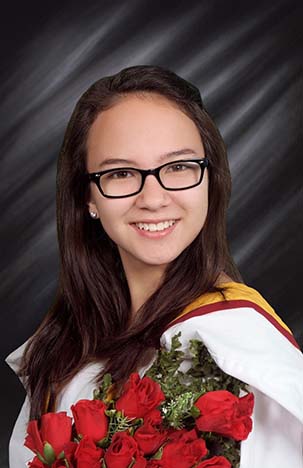
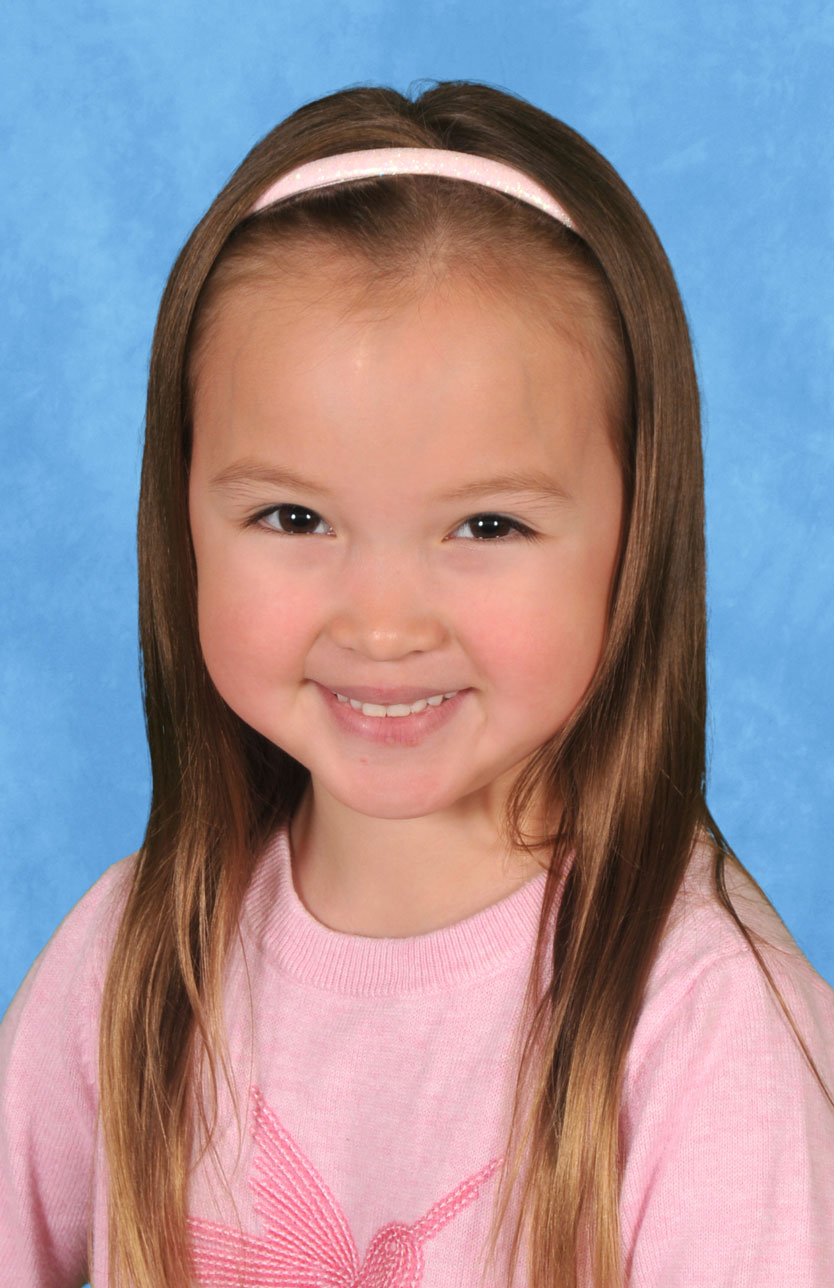
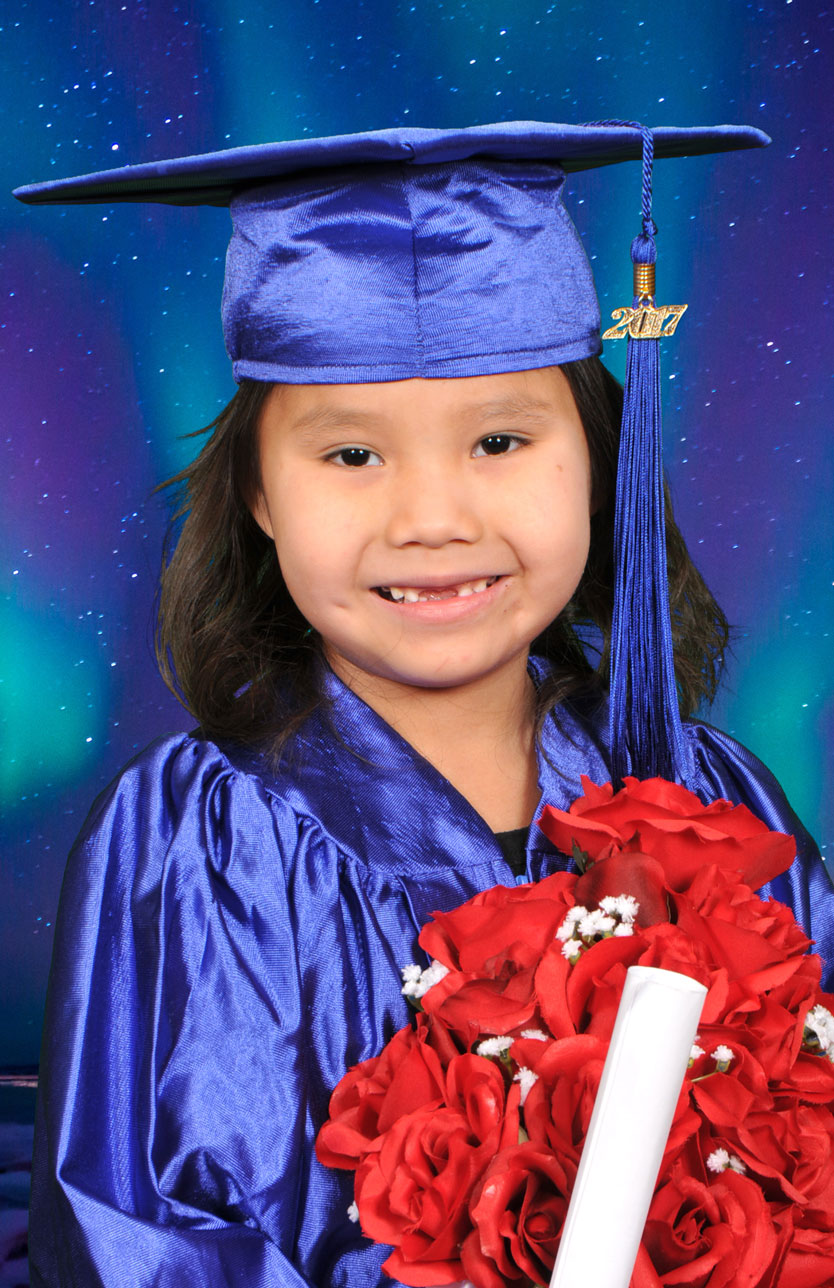
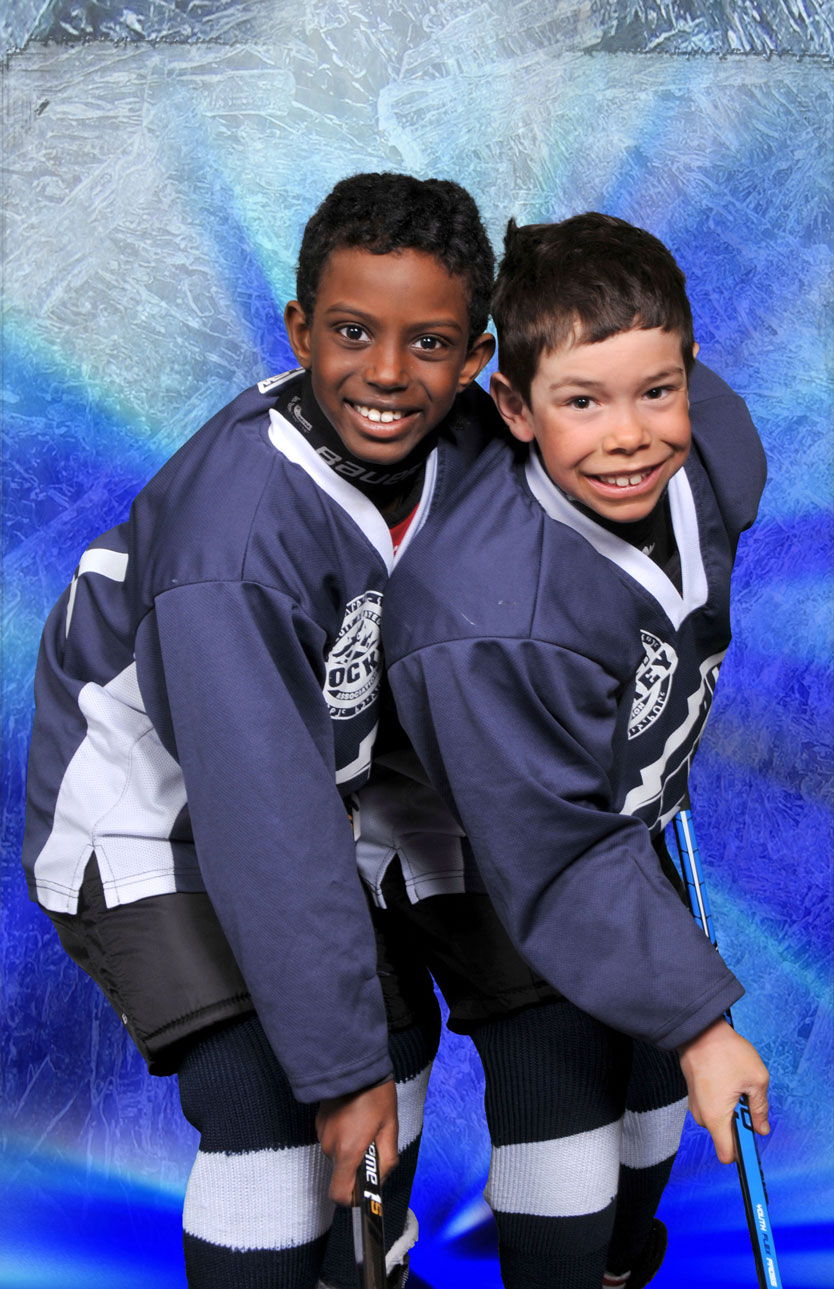
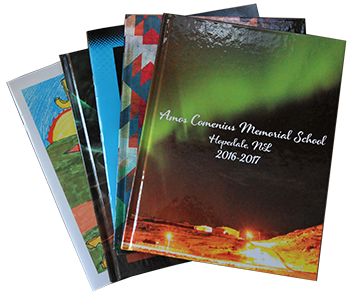
Yearbooks are the perfect way to record, commemorate, and cherish the wonderful times at school. Year after year your students will be able to look back in their yearbook to remember the highlights of each grade.
Providing user-friendly yearbook-creating software options, Heirloom Portraits can help to guide and support your every yearbook-designing need. Learn more about eZbook™ and Pictavo™ below.
Yearbook Software Options

eZbook™
eZbook™ desktop software is perfect for schools that have slow Internet connectivity. This software is easy to use, can be installed on as many computers as necessary, and can also be merged into the Master book upon completion.

Pictavo™
Pictavo™ offers online creation with sophisticated design tools that give older students the mature-looking yearbook they are looking for. Supporting multiple users and simultaneous updates, Pictavo™ also offers project management tools such as submission dates, advanced advisor controls, over 100 fonts, and more.

NEW - This year we are offering a service to a few select schools where we design and prepare a yearbook for you! We have found that most schools are so busy with education they find it difficult to find the time to complete a yearbook project.
How does this work? Once we have photographed your students we can assemble a yearbook unique to your specifications. All you have to do is indicate the number of yearbooks and pages, then submit photographs of Cultural and School activities you would like included. We offer sophisticated templates and graphics to create an original and fun yearbook. You can check and approve the progress of the book with our online software.
Why should you produce a yearbook? The yearbook provides the students and staff with treasured memories of school activities and classmates. It also showcases the fun events and can help to boost attendance and event participation. Many schools use the yearbooks as learning tools in the classroom. We have schools that allocate the expense into the cultural budget since they see the importance of record keeping for the community.
Why Should I Create A Yearbook?
It’s easy! Offering multiple program choices, Heirloom Portraits provides you with all the tools you will need to complete a yearbook. All you have to do is create!
It’s free! The eZbook™ and Pictavo™ software are Free! No need to spend money and time learning design programs - you create your yearbook for free! Submit your yearbook as a digital document and get the lowest possible publishing cost!
It’s unique! With custom options on covers, binding, colours, and size, your yearbook will be one special to your school.
It will last forever! Students will be able to look through this yearbook of memories for decades to come.
For more information, please contact us today by calling 905-939-0530 or toll free at 1-800-263-0946. For more information, please visit our Yearbook FAQ and Yearbook Help pages.